Google Gemini AI Photo Editing Prompts (Copy & Paste) – Trending 2026
Updated · by admin
Gemini photo editing prompts are ready-made text instructions you paste into Google Gemini (Nano Banana) together with your own photo. Gemini keeps your face and rebuilds the outfit, background and lighting from the prompt, so you get a viral-style edit in seconds without Photoshop.
Below are 7 tested Google Gemini AI photo editing prompts with example results. Tap Copy Prompt, upload a clear selfie in Gemini, paste and send.
1 Copy the prompt Tap the Copy button under the image.
2 Open ChatGPT or Gemini Upload a clear photo of your face.
3 Paste & generate Paste the prompt and send. Download your edit.
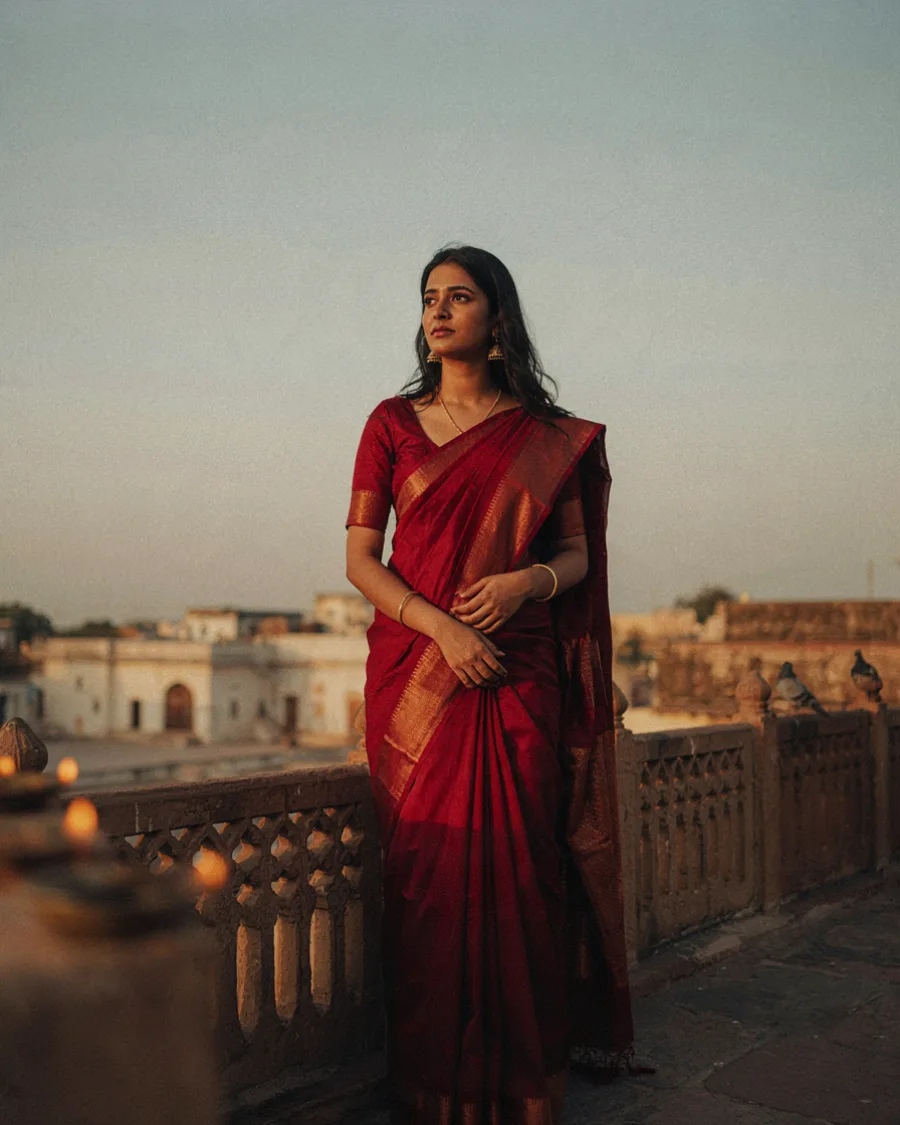
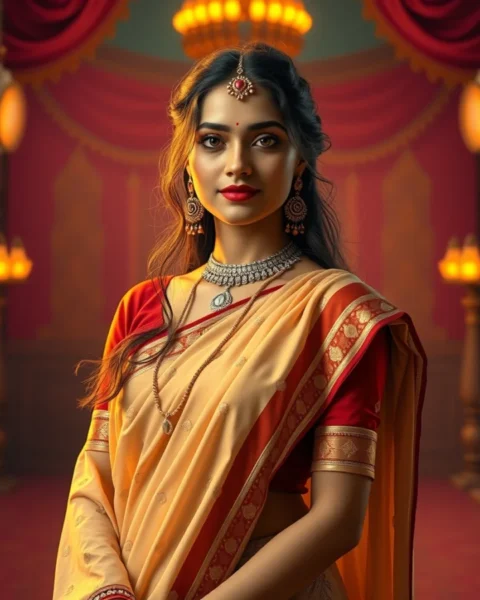
Transform the person in the uploaded photo into an elegant portrait wearing a red silk saree with a golden zari border. Place her on a heritage haveli terrace at golden hour with warm sunlight and soft bokeh. Editorial photography, 85mm lens. Keep my face, skin tone and facial features exactly the same as in the uploaded photo. Ultra realistic, 4K, natural skin texture.
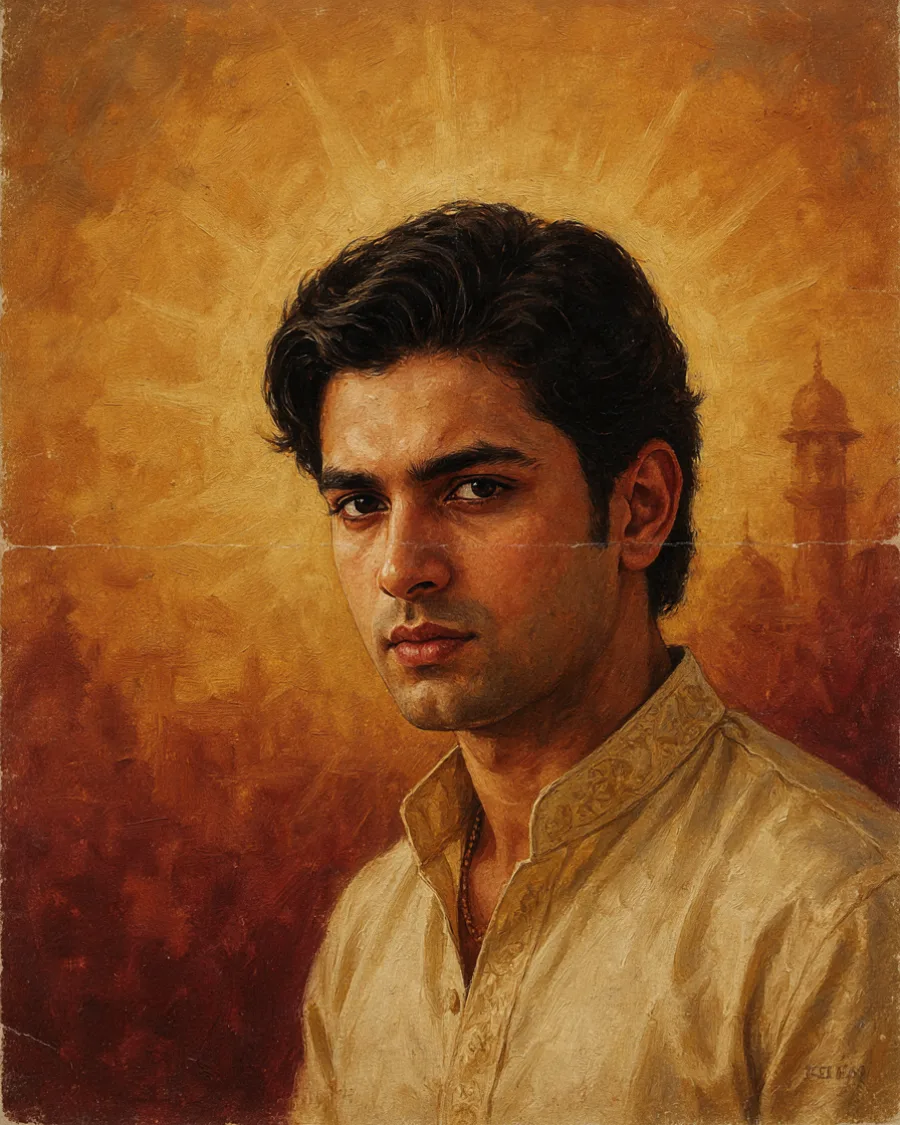
Turn the uploaded photo into a 1970s hand-painted Bollywood movie poster portrait. Dramatic warm colors, painted brush texture, film grain and a vintage poster layout. Keep the face recognisable and the expression intense. Keep my face, skin tone and facial features exactly the same as in the uploaded photo. Ultra realistic, 4K, natural skin texture.
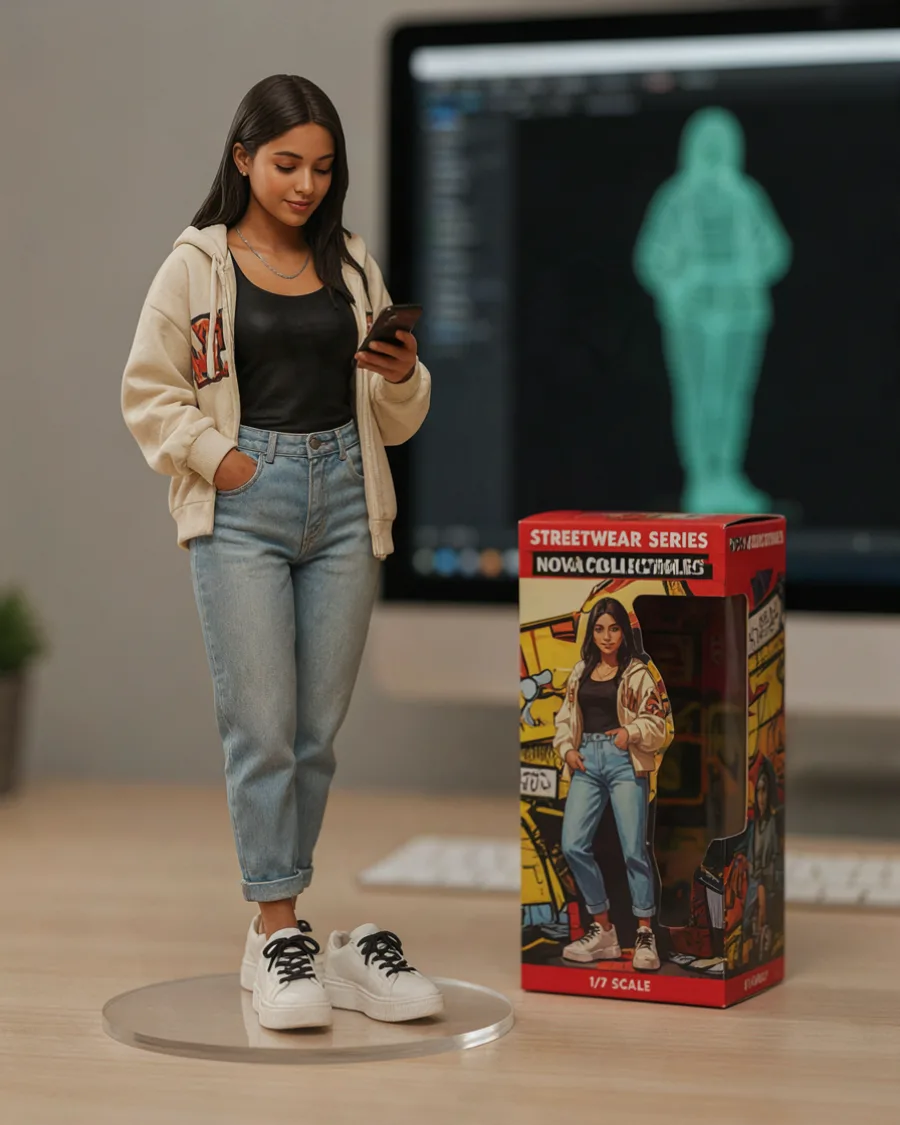
Create a realistic 1/7 scale collectible figurine of the person in the photo, standing on a clear round acrylic base on a computer desk. Next to it place a toy-style packaging box printed with the same character, and a monitor in the background showing the 3D modelling of the figure. Studio lighting, photorealistic product photo.
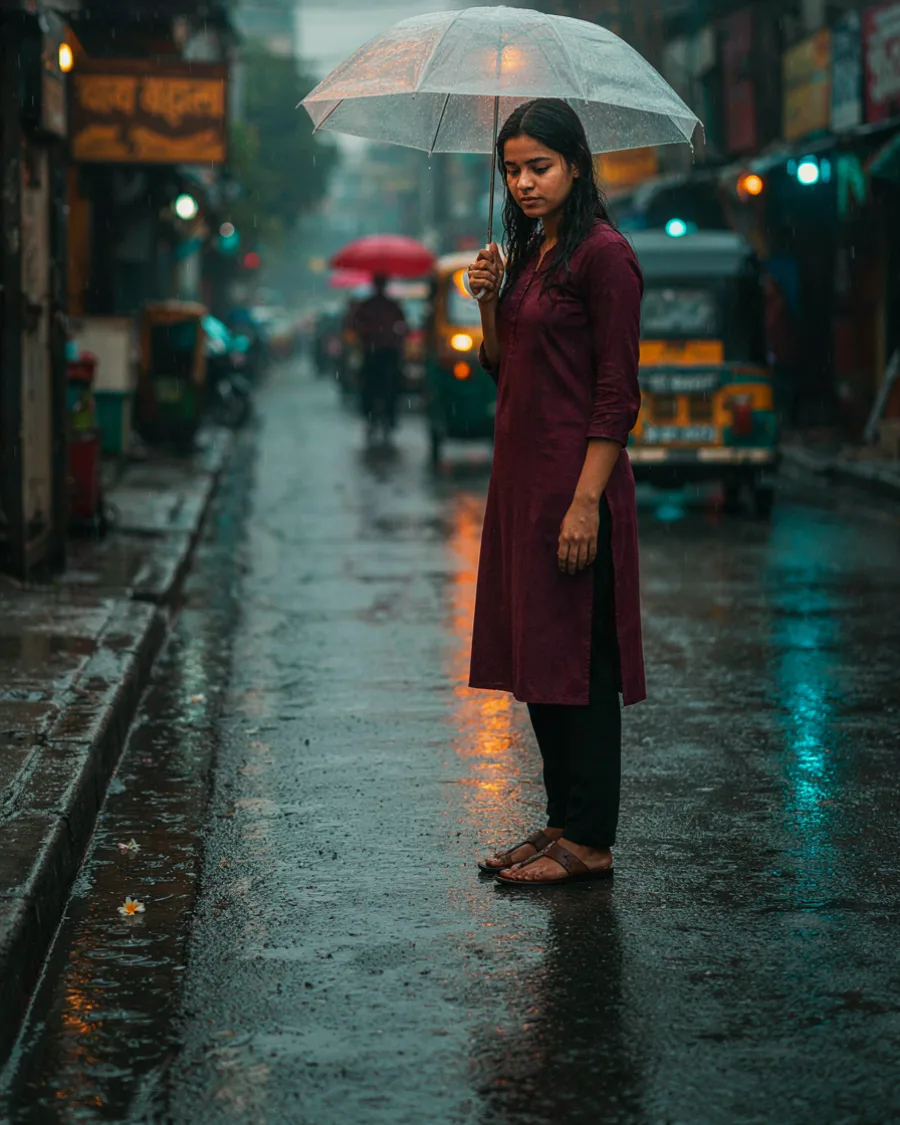
Place the person from the uploaded photo on a Mumbai street in monsoon rain holding a transparent umbrella. Wet road reflections, falling rain drops, moody teal and orange cinematic colour grade, shallow depth of field. Keep my face, skin tone and facial features exactly the same as in the uploaded photo. Ultra realistic, 4K, natural skin texture.
Edit the uploaded photo into a Diwali night portrait. Dress the person in a festive lehenga (or kurta for men) holding a lit diya, surrounded by glowing diyas and fairy lights, warm golden light on the face, bokeh background. Keep my face, skin tone and facial features exactly the same as in the uploaded photo. Ultra realistic, 4K, natural skin texture.
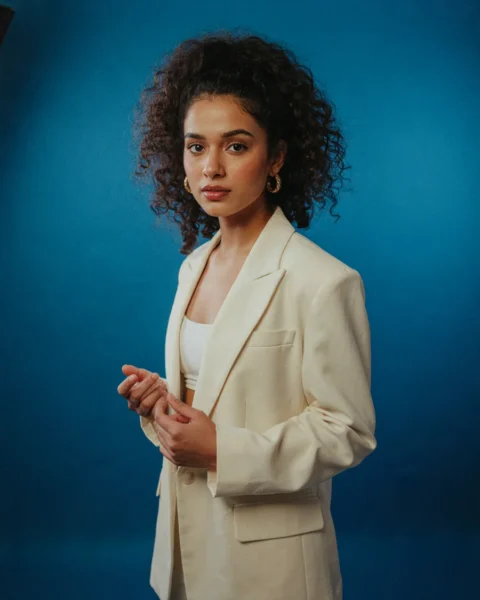
Convert the uploaded selfie into a professional LinkedIn headshot. Navy blazer and white shirt, plain soft grey studio background, soft key light, confident friendly smile, sharp focus, corporate photography style. Keep my face, skin tone and facial features exactly the same as in the uploaded photo. Ultra realistic, 4K, natural skin texture.
Apply a lofi dusk aesthetic to the uploaded photo. Place the person on a rooftop at dusk with a purple and pink sky and city lights starting to glow. Faded colours, soft film grain, dreamy nostalgic mood. Keep my face, skin tone and facial features exactly the same as in the uploaded photo. Ultra realistic, 4K, natural skin texture.
Open the Gemini app or gemini.google.com and sign in with your Google account.
Tap the + icon and upload a clear, front-facing photo with good light.
Paste the copied prompt and send it.
If the face changes, reply: “Keep my face exactly the same as the original photo.”
Download the image in full resolution.
Tips for Better Gemini AI Photo Edits
Use a sharp selfie where your face fills at least a third of the frame.
Change one thing at a time (outfit, background or light) for more realistic results.
Add details like “golden hour”, “85mm lens” or “film grain” to control the style.
For couple or family edits, upload one photo that already has everyone in it.
FAQ
What is the best prompt for photo editing in Gemini?
Prompts that describe the outfit, background, light and camera style, and that ask Gemini to keep your face the same, give the most realistic edits. The Golden Hour Saree and 3D Figurine prompts above are the most popular.
How do I edit a photo with a Gemini prompt?
Upload your photo in the Gemini app, paste the prompt, send it, then download the result. You can reply with small changes until you like the edit.
Why does Gemini change my face?
Gemini sometimes redraws faces when the prompt changes a lot at once. Add “keep my face exactly the same as the uploaded photo” and use a clear, well-lit selfie.