ChatGPT Photo Editing Prompts: Trending Copy-Paste Text (2026)
Updated · by admin
ChatGPT photo editing prompts are copy-paste text instructions that tell ChatGPT how to edit the photo you upload: outfit, background, lighting and style. You upload your picture, paste the prompt text and ChatGPT creates a new edited image while keeping your face.
Here are 7 trending ChatGPT photo editing prompts with example images, including the viral 1980s retro, car edit, family photo and Holi prompts.
1 Copy the prompt Tap the Copy button under the image.
2 Open ChatGPT or Gemini Upload a clear photo of your face.
3 Paste & generate Paste the prompt and send. Download your edit.
Trending ChatGPT Photo Editing Prompts Text
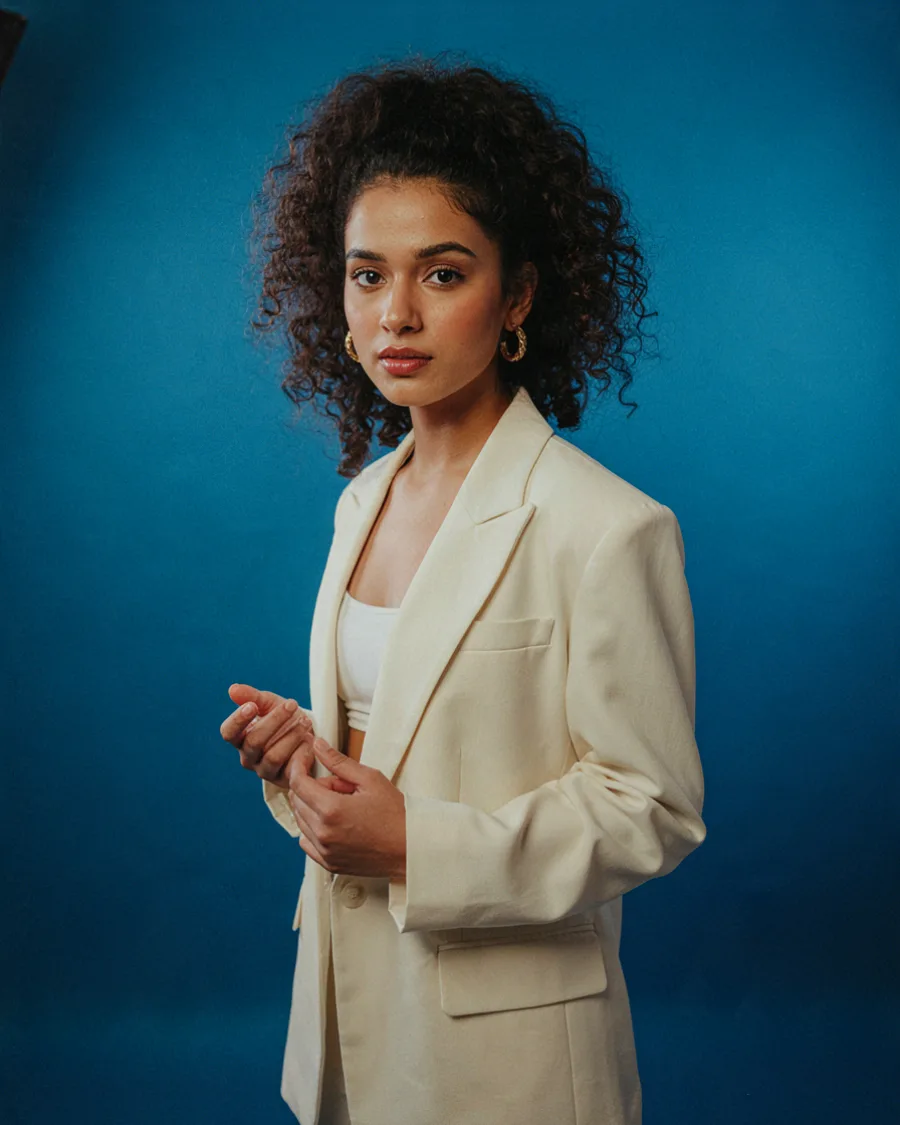
1980s Retro Studio Photo
Recreate the uploaded photo as a 1980s retro studio portrait. Big voluminous hair, shoulder-pad blazer, laser-blue studio backdrop, soft-focus glamour lighting, vintage film colours and grain. Keep my face, skin tone and facial features exactly the same as in the uploaded photo. Ultra realistic, 4K, natural skin texture.
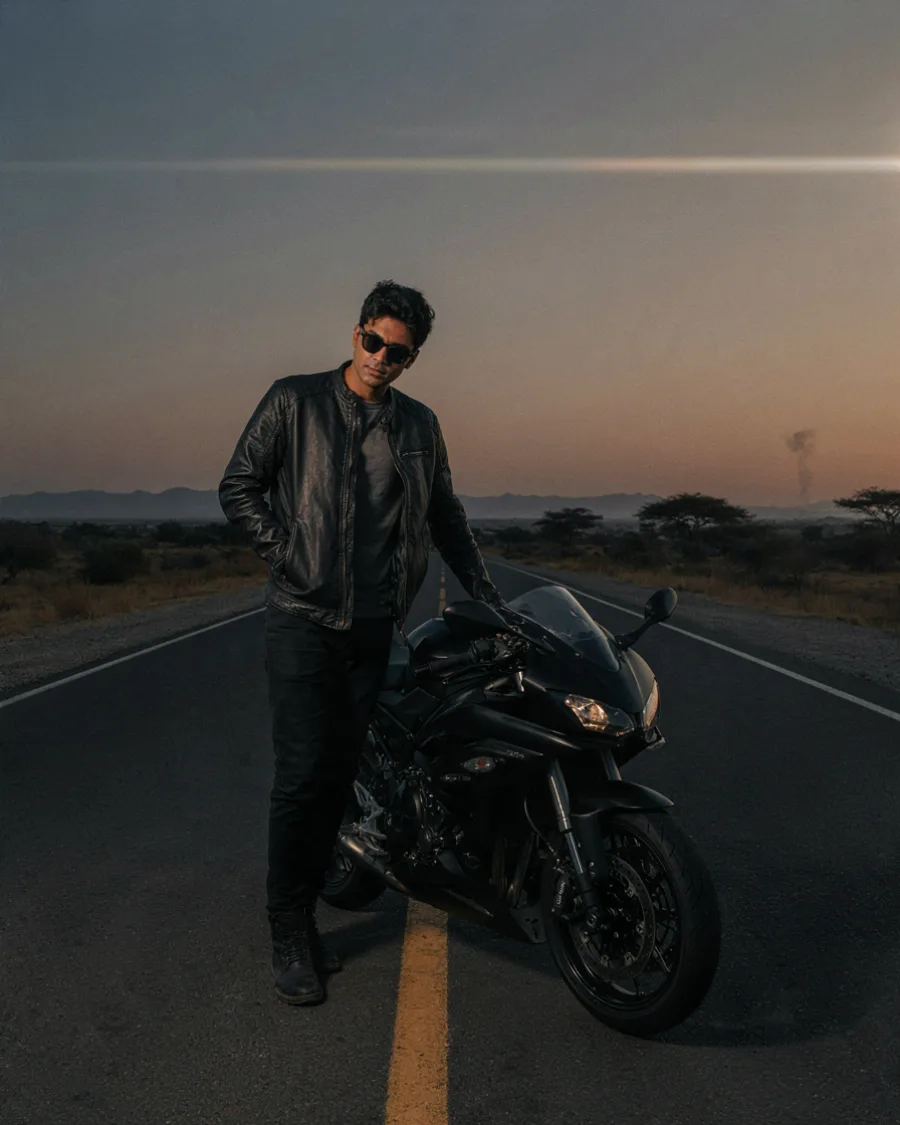
Edit the uploaded photo so the man wears a black leather jacket and sunglasses, leaning on a sports motorbike on an empty highway at sunset. Dramatic cinematic lighting with lens flare. Keep my face, skin tone and facial features exactly the same as in the uploaded photo. Ultra realistic, 4K, natural skin texture.
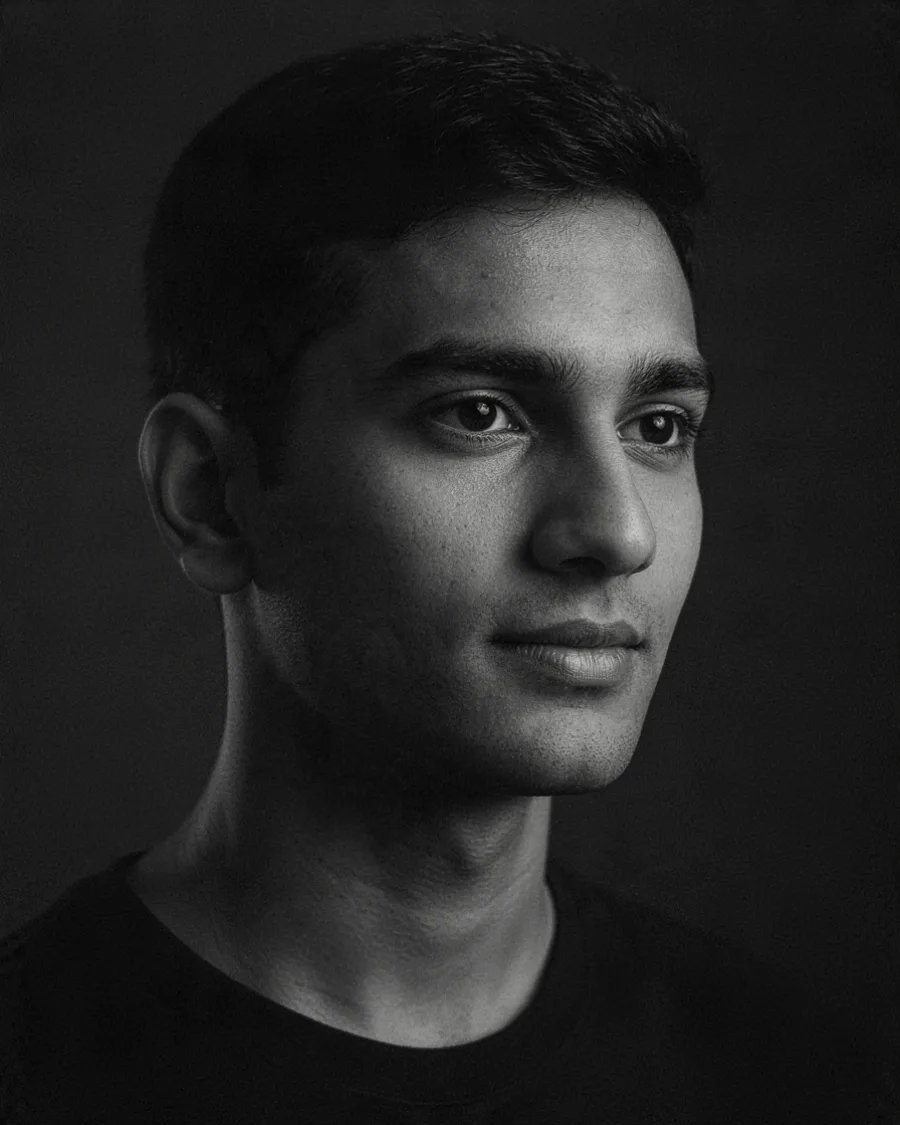
Convert the uploaded photo into a cinematic black and white portrait with strong side lighting, deep shadows, high contrast and fine film grain. Thoughtful expression, plain dark studio background. Keep my face, skin tone and facial features exactly the same as in the uploaded photo. Ultra realistic, 4K, natural skin texture.
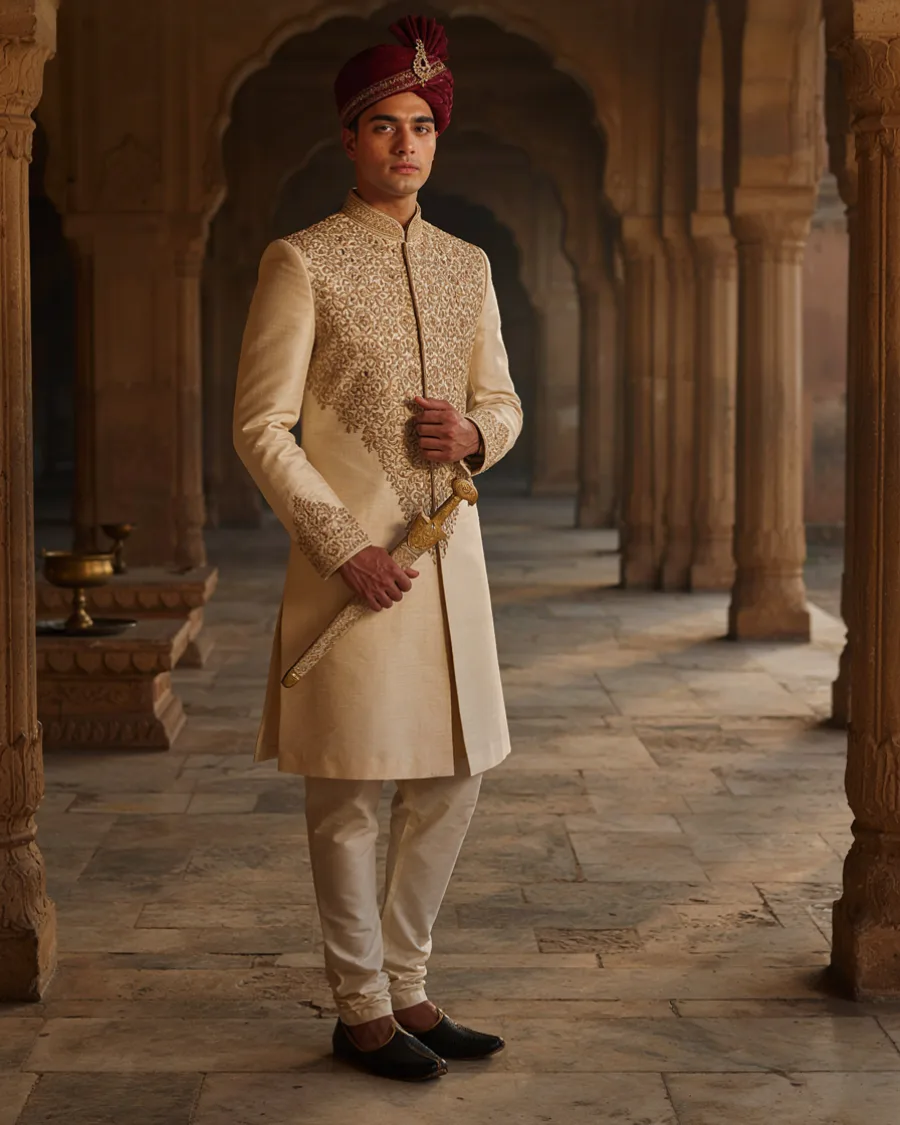
Dress the man in the uploaded photo in an ivory embroidered sherwani with a maroon safa turban. Place him in a Rajasthani palace courtyard with carved arches and warm natural light. Regal standing pose. Keep my face, skin tone and facial features exactly the same as in the uploaded photo. Ultra realistic, 4K, natural skin texture.
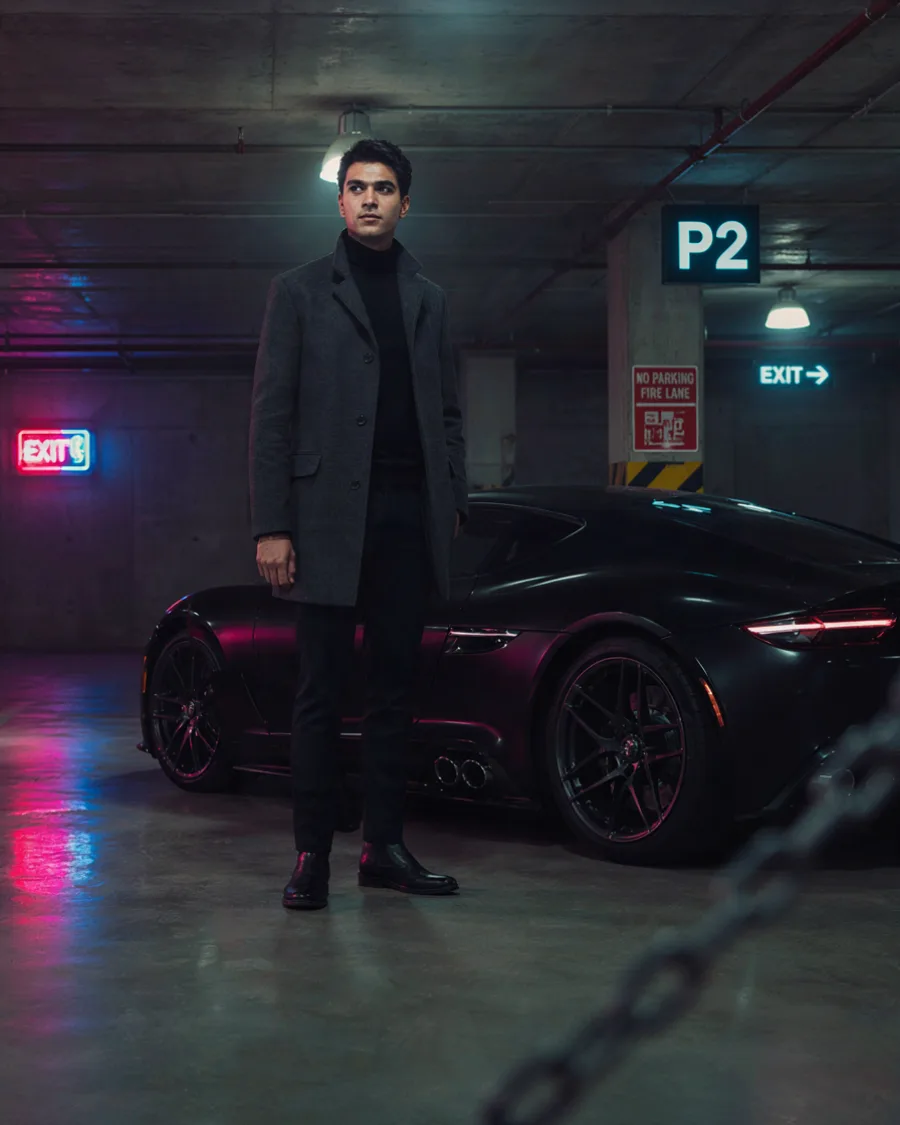
Place the person from the uploaded photo standing next to a matte black luxury sports car in a modern underground parking garage at night. Neon lights, wet floor reflections, cinematic car photography. Keep my face, skin tone and facial features exactly the same as in the uploaded photo. Ultra realistic, 4K, natural skin texture.
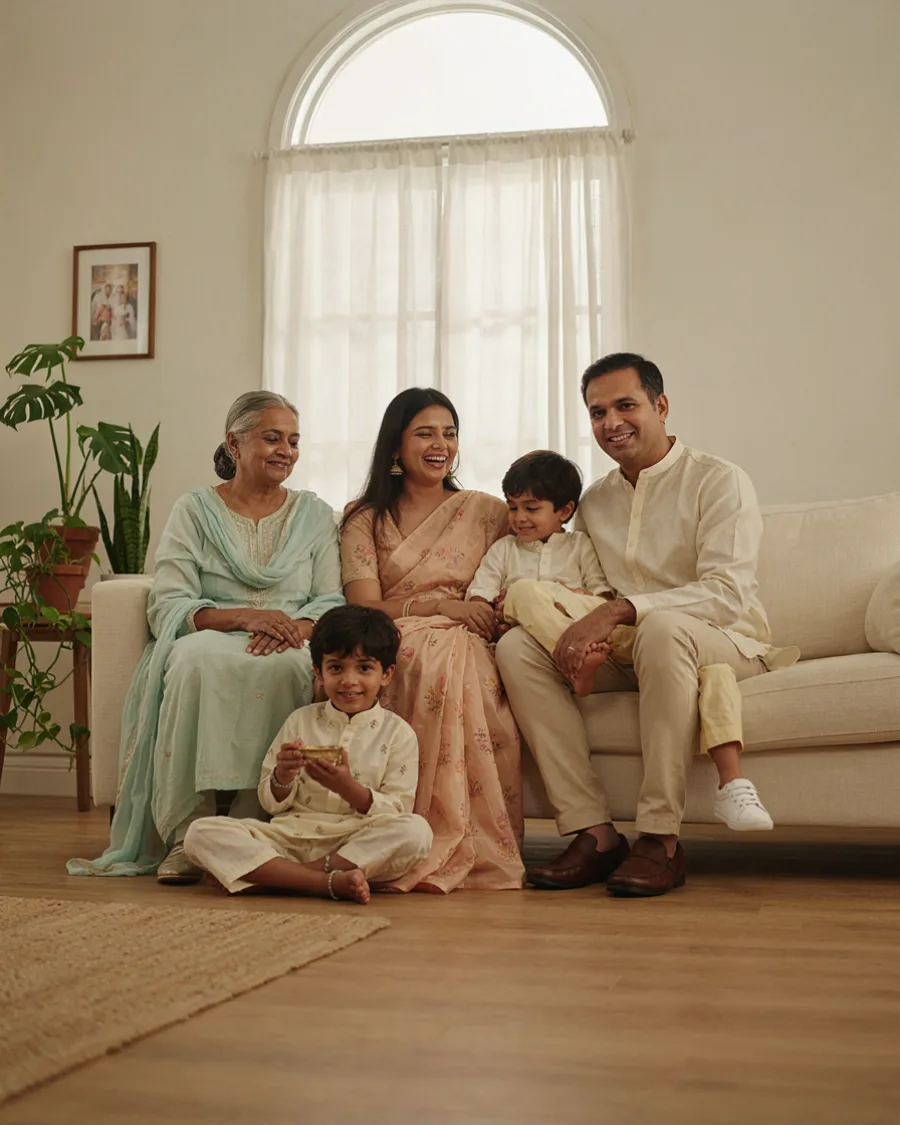
Using the uploaded family photo, create a professional family portrait. Everyone wears coordinated cream and pastel ethnic outfits, sitting together in a bright living room with plants and natural window light, happy smiles. Keep every face exactly the same as in the original photo. Ultra realistic, 4K.
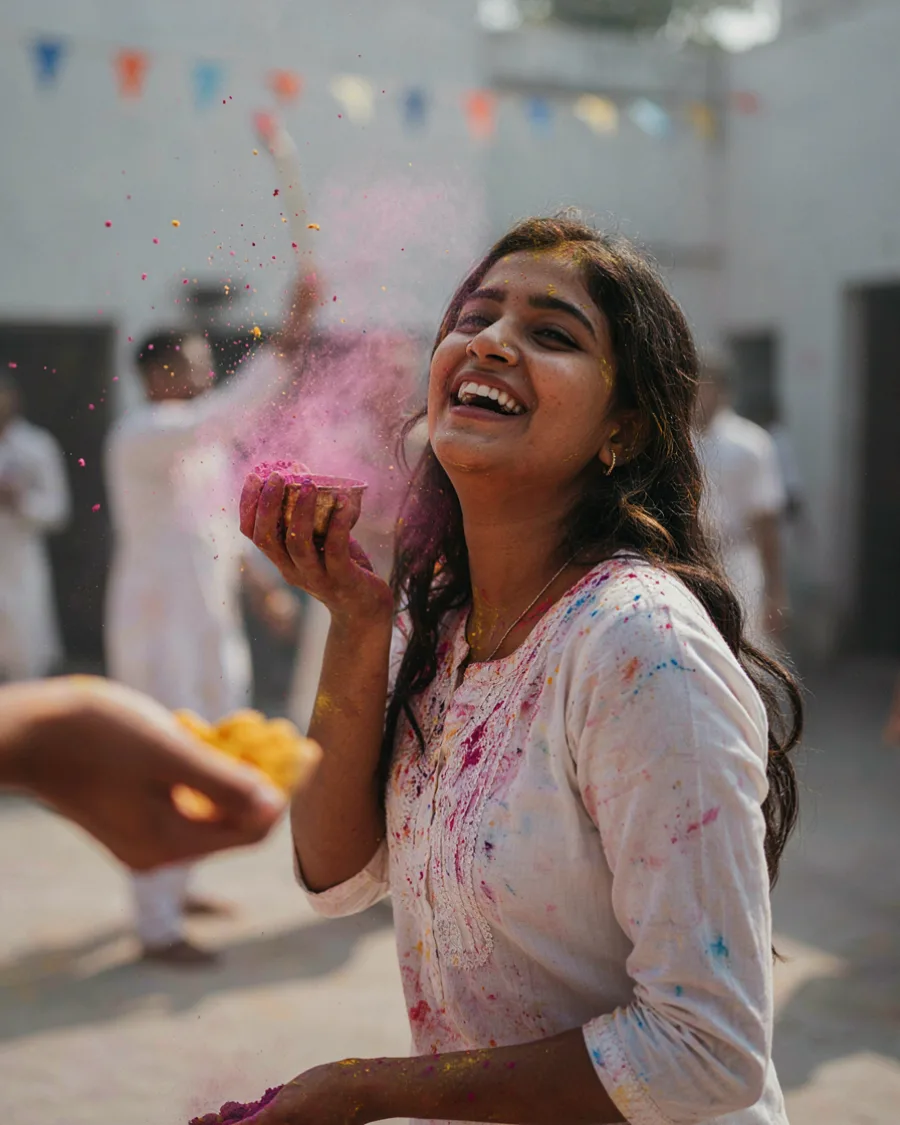
Turn the uploaded photo into a joyful Holi festival portrait. White kurta covered in pink, yellow and blue gulal powder, a colourful powder cloud in the air, bright daylight, candid laughing expression. Keep my face, skin tone and facial features exactly the same as in the uploaded photo. Ultra realistic, 4K, natural skin texture.
Open ChatGPT (app or chatgpt.com) and start a new chat.
Tap the + button and upload your photo.
Paste the prompt text and send.
Ask for small changes like “make the background darker” if needed.
Tap the image and download it.
Tips for Realistic ChatGPT Photo Edits
Always end the prompt with “keep my face exactly the same”.
Use a high quality photo without heavy filters.
Mention the aspect ratio you want, for example “vertical 4:5 for Instagram”.
If the result looks too smooth, add “natural skin texture, no beauty filter”.
FAQ
What is the best ChatGPT prompt for photo editing?
The best prompts describe the outfit, background, lighting and style in one or two sentences and ask ChatGPT to keep your face the same. The 1980s retro and car edit prompts above are among the most searched.
Can ChatGPT edit my photo?
Yes. ChatGPT can create a new edited version of a photo you upload, following the text prompt you give it.
Are these ChatGPT photo editing prompts free?
Yes, every prompt on Editing Prompts is free to copy and use.