Christmas Photo Editing Prompts for Gemini AI (Free, 2026)
Updated · by admin
These prompts are designed to create stunning and festive photo edits using Gemini AI. They can be used to transform your photos into beautiful and realistic images, perfect for special occasions and celebrations. The prompts are carefully crafted to produce high-quality results, with attention to detail and a focus on ultra-realistic faces and skin tones. Whether you're looking to create a joyful Christmas scene or a stylish Indian outfit edit, these prompts have got you covered.
1 Copy the prompt Tap the Copy button under the image.
2 Open ChatGPT or Gemini Upload a clear photo of your face.
3 Paste & generate Paste the prompt and send. Download your edit.
Copy & Paste Gemini AI Photo Editing Prompts
Christmas Morning
You are wearing matching red plaid pajamas, sitting by a cozy fireplace with a decorated tree, holding hot cocoa, warm sunlight, joyful smiles, 4K detailed, keep the face, skin tone and features exactly the same, ultra realistic
You are sitting by a Christmas fireplace, soft lighting, decorated Christmas tree in background, professional camera, 85mm lens, bokeh effect, holiday mood, keep the face, skin tone and features exactly the same, ultra realistic
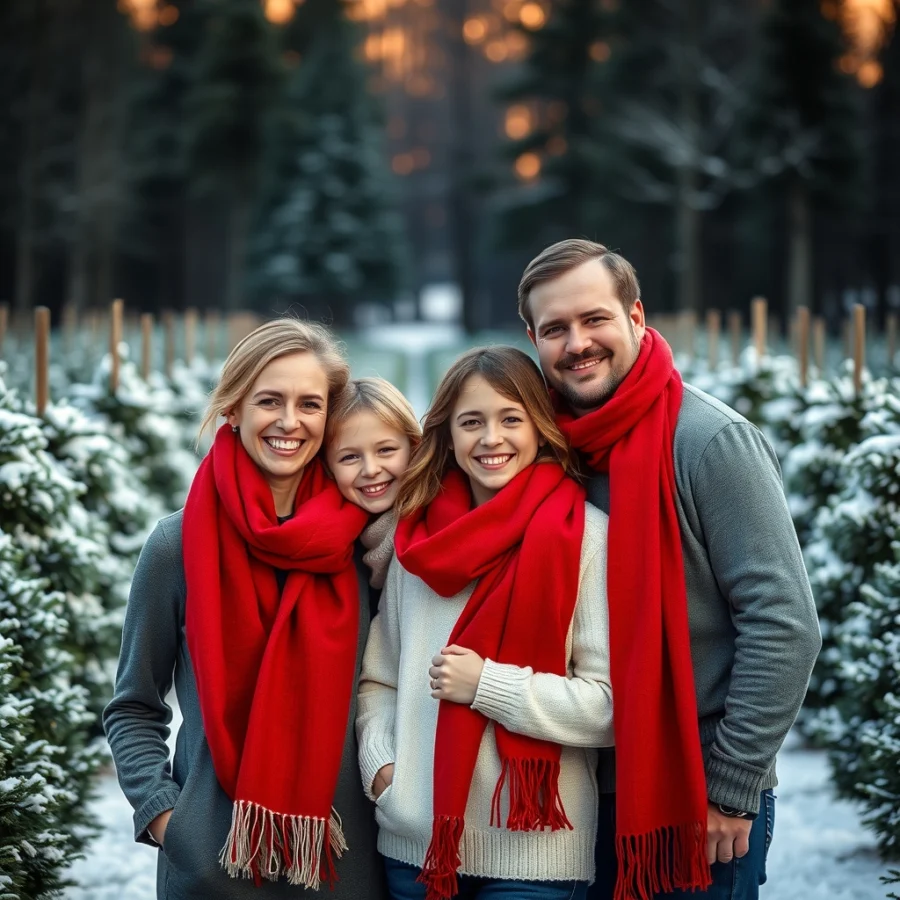
You are wearing matching red scarves, standing in a snow-covered forest, Christmas tree farm background, golden hour lighting, Canon EOS, shallow depth of field, keep the face, skin tone and features exactly the same, ultra realistic
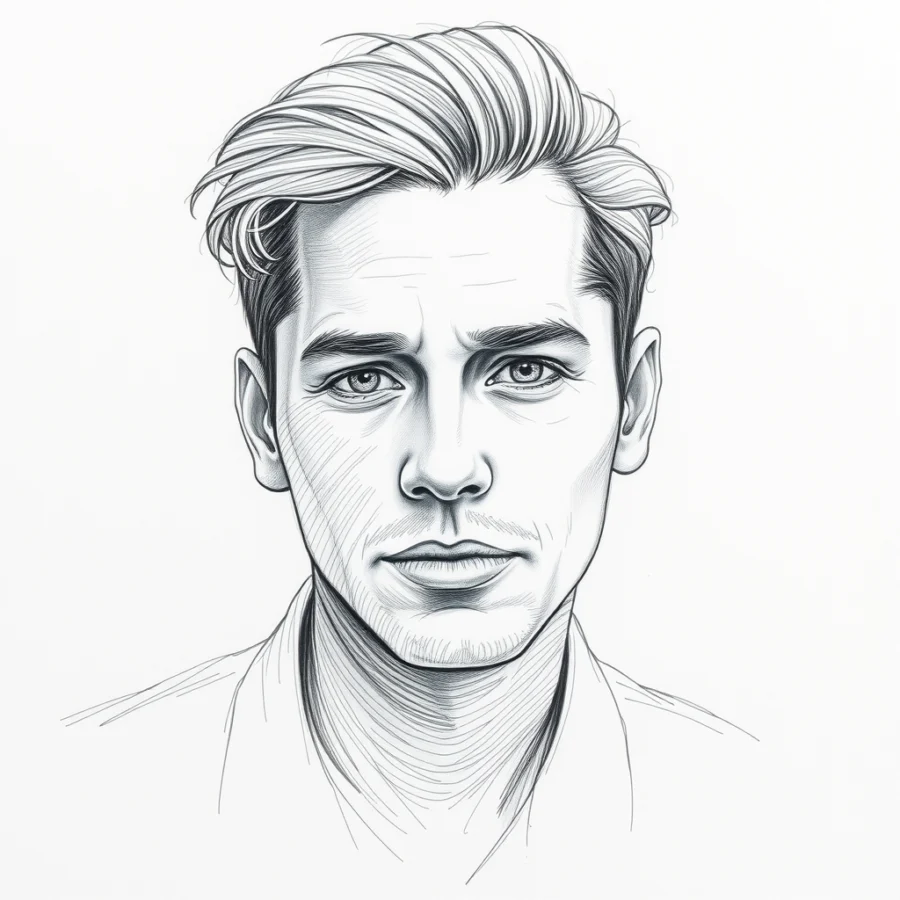
Convert the photo into a detailed, fine-line black and white pencil drawing on textured paper, keep the face, skin tone and features exactly the same, ultra realistic
Edit the photo to look like a faded, vintage Polaroid from the 1980s, with light leaks and a handwritten date in the corner, keep the face, skin tone and features exactly the same, ultra realistic
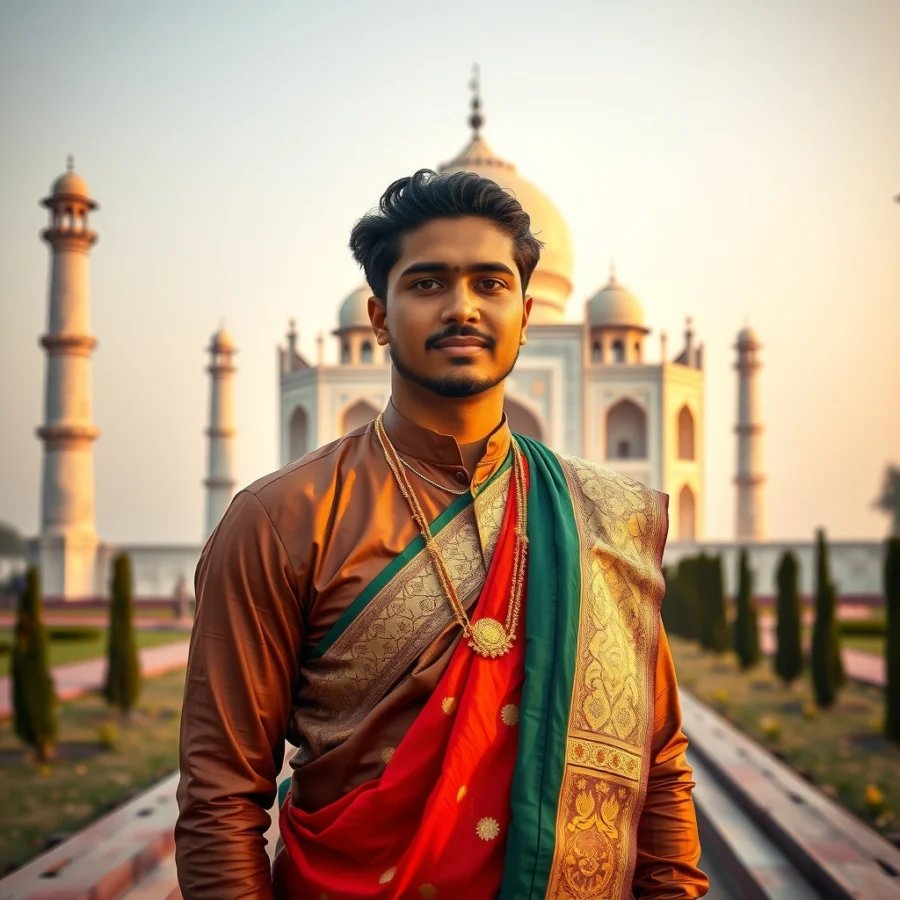
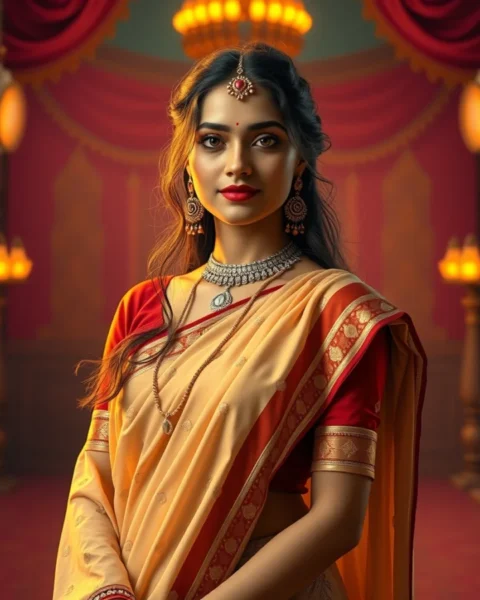
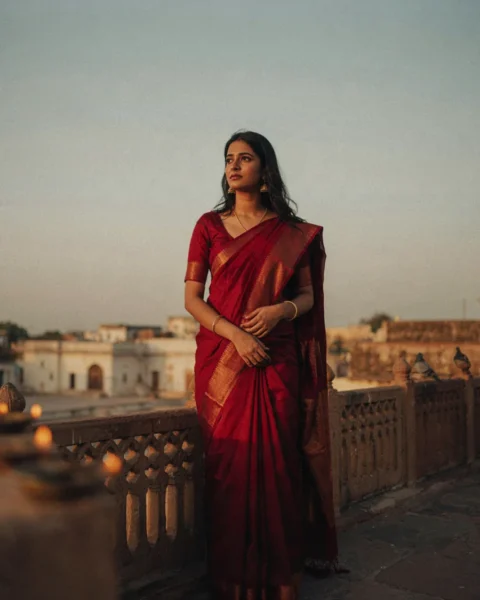
You are wearing a traditional Indian outfit, standing in front of the Taj Mahal, golden hour lighting, Canon EOS, shallow depth of field, keep the face, skin tone and features exactly the same, ultra realistic
Gemini AI photo editing is a type of artificial intelligence-powered photo editing that can transform your photos into stunning and realistic images.
How do I use these prompts?
To use these prompts, simply copy and paste them into your Gemini AI photo editing software and upload your photo.
Can I customize the prompts?
Yes, you can customize the prompts to fit your specific needs and preferences. Experiment with different words and phrases to achieve the desired result.