Skip to content

Artistic Gemini Photo Editing Prompts: Bollywood Poster, Watercolor & Oil Painting

These Gemini AI photo editing prompts are designed to help you create unique and stunning images from your uploaded photos. They offer a range of styles and effects, from dramatic Bollywood movie posters to soft watercolor paintings, allowing you to experiment and find the perfect look for your photos. The prompts are written in a way that is easy to understand and use, making it simple for anyone to edit their photos like a professional. With these prompts, you can add a touch of Indian culture and festivals to your photos, making them stand out from the crowd. Whether you're looking to create a dramatic portrait or a vibrant festival scene, these prompts have got you covered.

1
Copy the prompt
Tap the Copy button under the image.
2
Open ChatGPT or Gemini
Upload a clear photo of your face.
3
Paste & generate
Paste the prompt and send. Download your edit.

Copy & Paste Gemini AI Photo Editing Prompts
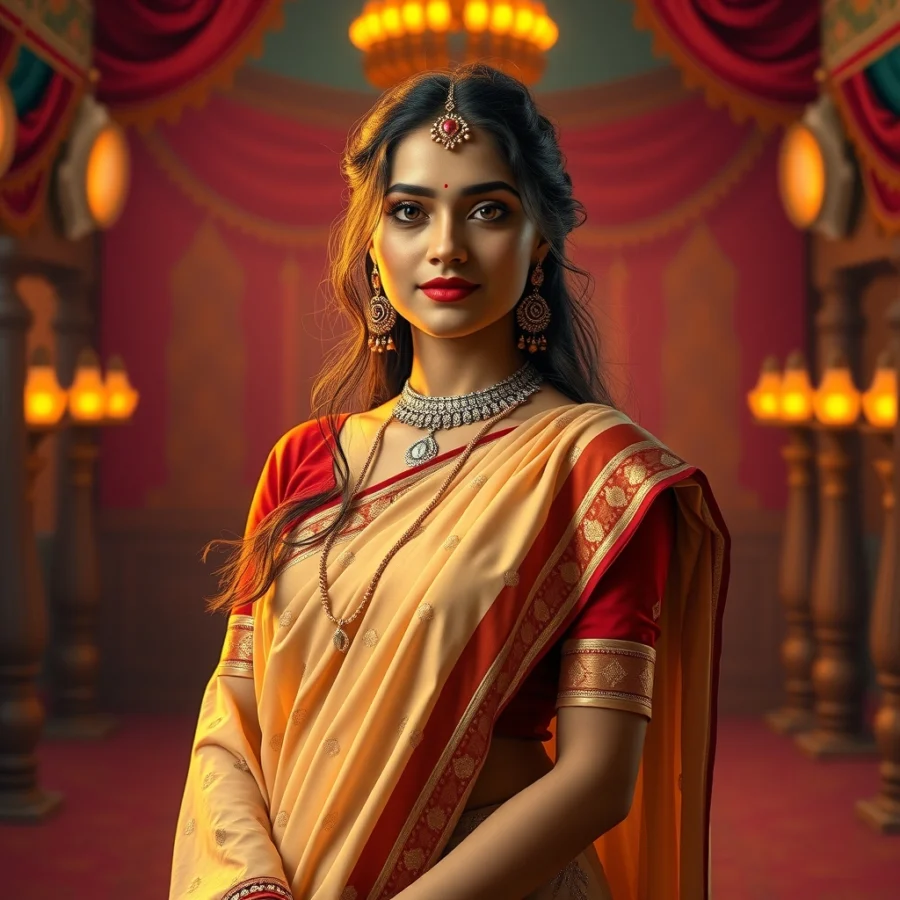
Bollywood Poster AI photo editing prompt

Bollywood Poster

Dress the person in the uploaded photo in a traditional Indian outfit, set against a colorful Bollywood-inspired background with dramatic lighting and film grain, shot in a cinematic style. Keep the face, skin tone and features exactly the same, ultra realistic.
ChatGPTGemini
BollywoodIndian outfitdramatic lighting

Watercolor Painting AI photo editing prompt

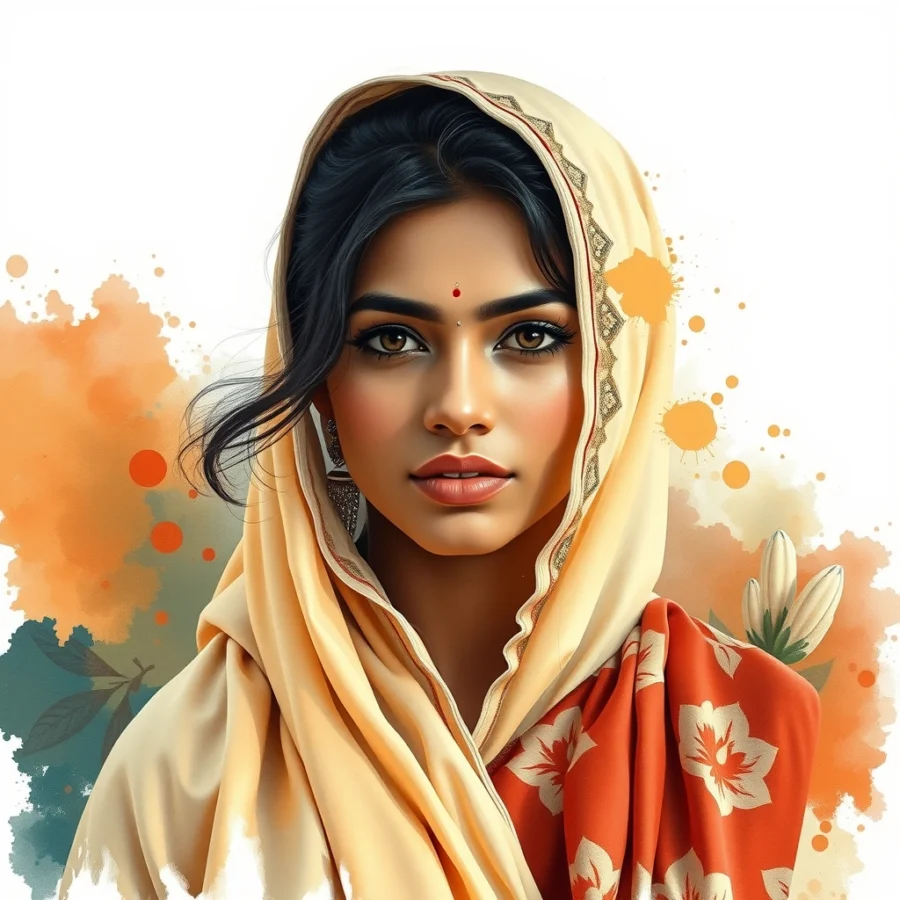
Watercolor Painting

Transform the person in the uploaded photo into a soft, expressive watercolor painting with visible brush strokes and color bleeds, set against a subtle Indian-themed background with natural lighting, shot in a artistic style. Keep the face, skin tone and features exactly the same, ultra realistic.
ChatGPTGemini
watercolorIndian themeartistic style

Gothic Oil Painting AI photo editing prompt

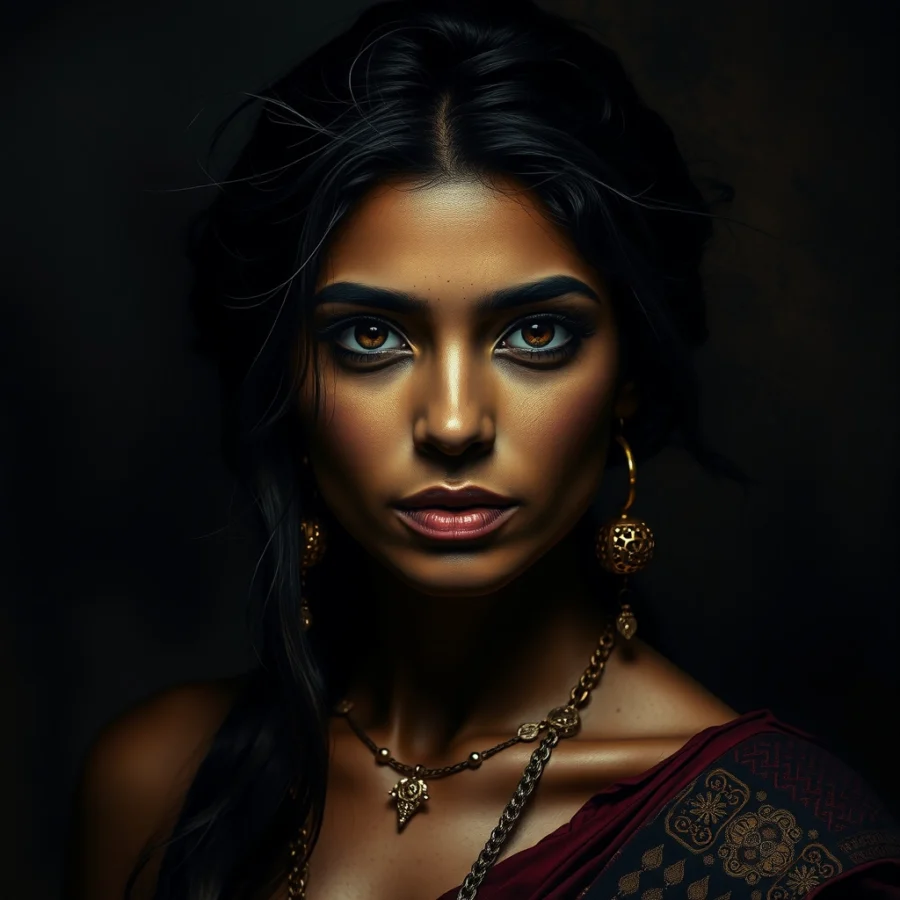
Gothic Oil Painting

Recreate the person in the uploaded photo as a gothic oil painting, with a dark and moody atmosphere, dramatic chiaroscuro lighting, and set against a mysterious Indian-inspired background, shot in a dramatic style. Keep the face, skin tone and features exactly the same, ultra realistic.
ChatGPTGemini
gothicoil paintingdramatic lighting

Cinematic Portrait AI photo editing prompt

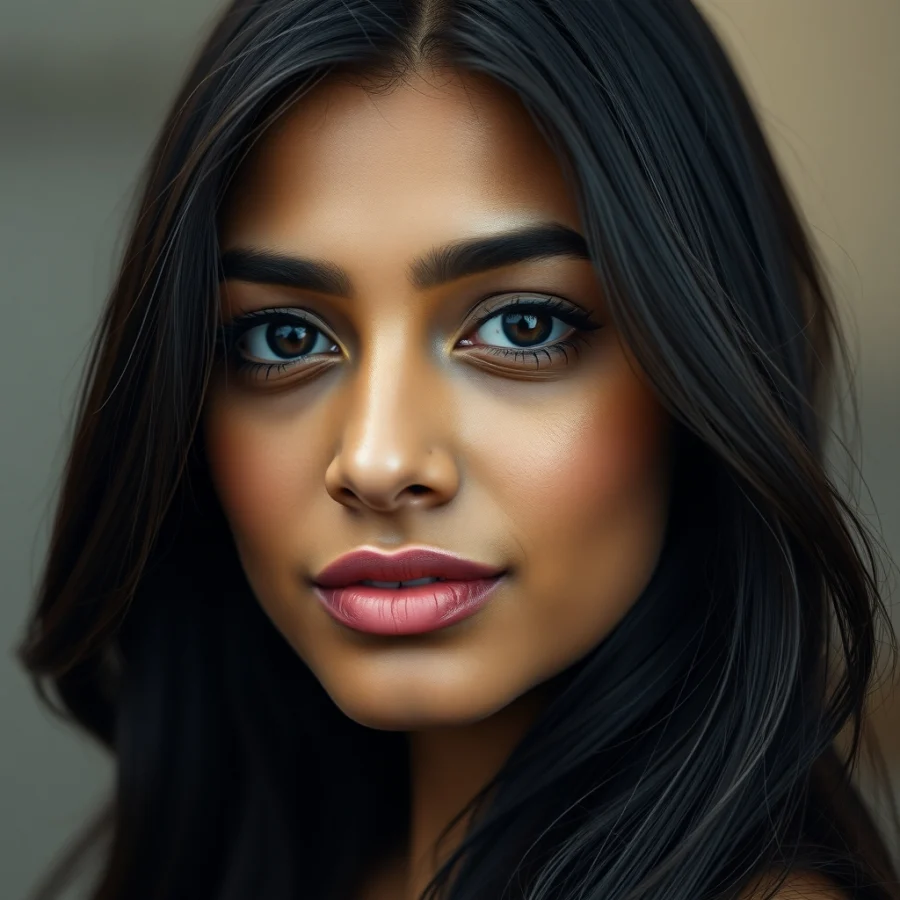
Cinematic Portrait

Edit the person in the uploaded photo to have natural skin smoothing, enhanced eye brightness, and a soft, flattering glow from the front-left direction, with a slightly blurred background using depth-of-field effect, shot in a cinematic style. Keep the face, skin tone and features exactly the same, ultra realistic.
ChatGPTGemini
cinematicportraitnatural lighting

Professional Product Photo AI photo editing prompt

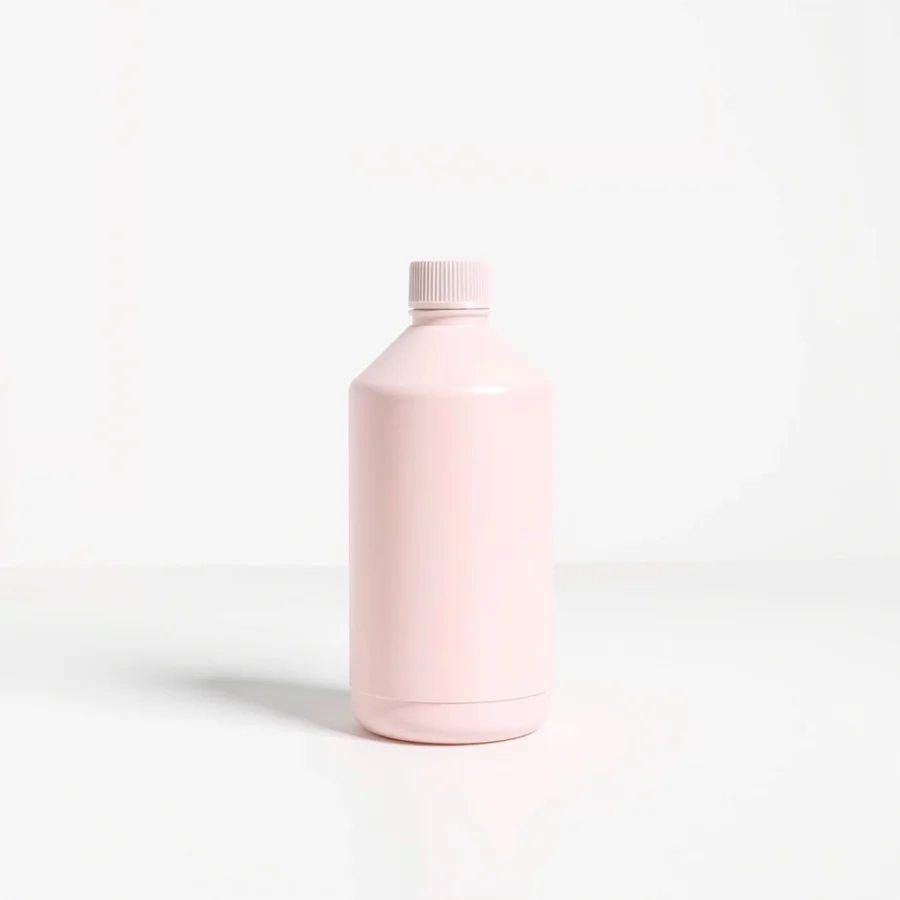
Professional Product Photo

Remove or replace the background of the product in the uploaded photo with pure white, enhance product colors to be accurate and vibrant, eliminate any imperfections, and add subtle shadow beneath the product, shot in a professional style. Keep the face, skin tone and features exactly the same, ultra realistic.
ChatGPTGemini
professionalproduct photopure white background

Tips for Better Results

  • Use high-quality images for the best results
  • Experiment with different styles and effects to find the perfect look
  • Pay attention to the lighting and background to enhance the overall effect

FAQ

What are Gemini AI photo editing prompts?

Gemini AI photo editing prompts are designed to help you create unique and stunning images from your uploaded photos. They offer a range of styles and effects, from dramatic Bollywood movie posters to soft watercolor paintings.


How do I use these prompts?

To use these prompts, simply upload your photo and select the prompt you want to use. The AI will then transform your photo into the selected style.


Can I use these prompts for commercial purposes?

Yes, these prompts can be used for commercial purposes, such as creating professional product photos or editing portraits for social media.
More Prompts

Prompt copied โœ“